6/25/2025 · Portfolio Admin
JavaScript Modules in 2025: ESM, Import Maps & Best Practices
Synced from Medium RSS
JavaScript modules have come a long way since the days of script tags and IIFEs. In 2025, ECMAScript Modules (ESM) are no longer the future — they’re the present. Combined with Import Maps, the modern module system has finally matured across browsers and environments.
Whether you’re working in Node.js, the browser, or building cross-platform tools, this blog will give you a full 360-degree perspective of how to use JavaScript modules the right way in 2025.
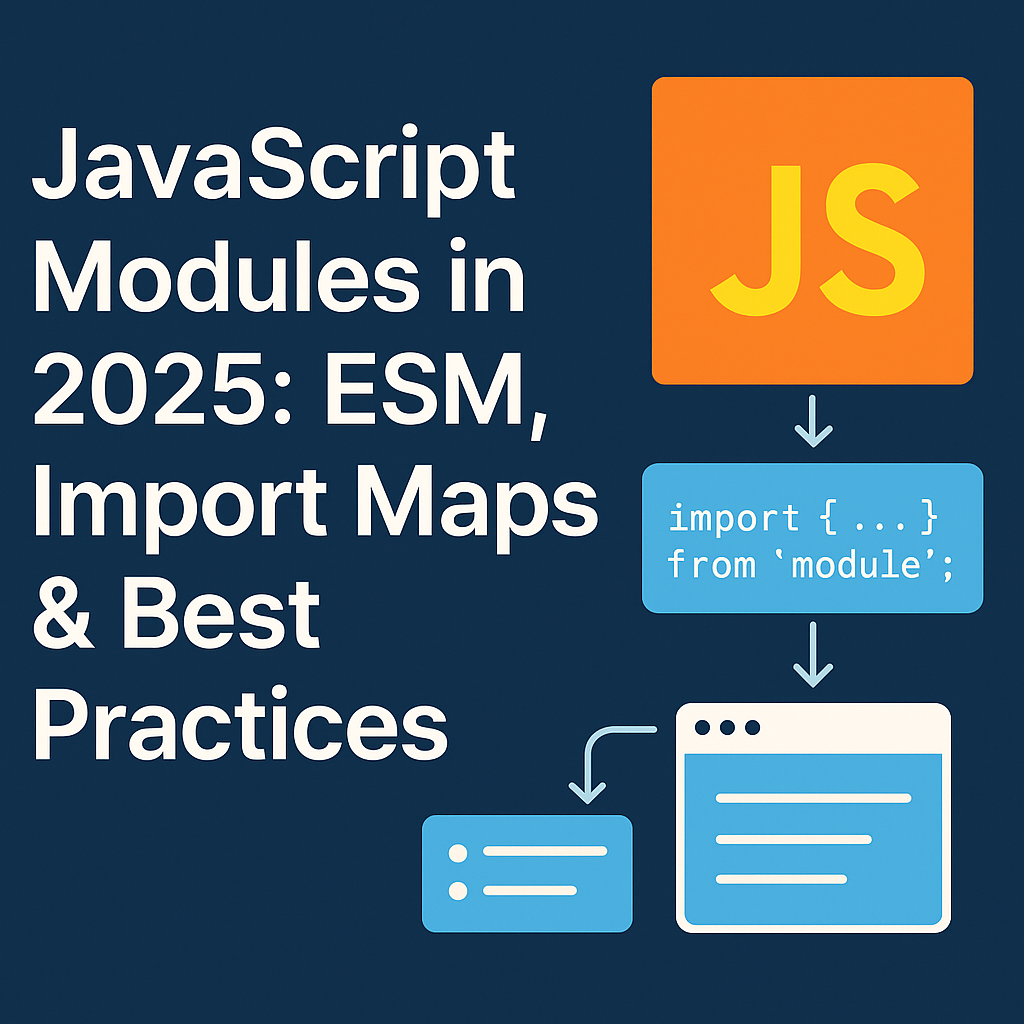
The Evolution of JavaScript Modules
1. From IIFE to CommonJS
(function() {
  // isolated scope
})();
Then came CommonJS (CJS) in Node.js:
const fs = require('fs');
module.exports = myFunc;
But CJS was server-only, synchronous, and not designed for browsers.
2. Enter ES Modules (ESM)
// math.js
export function add(a, b) { return a + b; }

// app.js
import { add } from './math.js';
Features of ESM:
- Native support in browsers and Node.js (>= v14 fully stable)
- Static analysis, tree-shaking support
- Top-level await support
- Supports asynchronous loading in browsers
Using ESM in the Browser
<script type="module">
  import { init } from './app.js';
  init();
</script>
Things to remember:
- Use .js extensions (relative imports)
- Modules are deferred by default
- You can use import.meta.url to resolve relative paths.
Using ESM in Node.js (2025 Way)
Node.js now supports ESM natively without .mjs files if:
- Your package.json includes { "type": "module" }
- You use import/export instead of require()/module.exports
// index.js
import express from 'express';
To use bare imports (like lodash), you still need a bundler or an Import Map (see next).
Import Maps: Native Aliases for Modules
Import Maps let you define module paths for the browser without bundling.
<script type="importmap">
{
  "imports": {
    "lodash": "https://cdn.skypack.dev/lodash-es"
  }
}
</script>

<script type="module">
  import _ from 'lodash';
  console.log(_.chunk([1,2,3,4], 2));
</script>
Import Maps are now supported in all modern browsers including Chrome, Edge, and Safari.
Dynamic Imports
You can load modules conditionally or on demand:
if (userIsAdmin) {
  const adminModule = await import('./admin-tools.js');
  adminModule.init();
}
Use cases:
- Lazy loading
- Code splitting
- Plugin systems
Mixing CJS and ESM
In Node.js:
- You can import() CJS modules in ESM
- You cannot require() ESM from CJS (without dynamic import + async).
Recommendation: Standardize your codebase to ESM in 2025.
Best Practices for 2025
| Practice                           | Description                                      |
|------------------------------------|--------------------------------------------------|
| Use ESM everywhere                | Browsers & Node.js now support it natively       |
| Avoid deep relative paths         | Use Import Maps or aliases                       |
| Modularize logically              | Split code by concern (auth.js, db.js, ui.js)    |
| Prefer named exports              | More clarity and static checks                   |
| Keep side-effects out of modules  | Makes tree-shaking and testing easier            |
| Version your URLs in Import Maps | Avoid breaking changes from CDNs                 |
Bonus: Top-Level Await
ESM supports top-level await:
const res = await fetch(‘/data.json’);
const data = await res.json();
Just ensure the script/module is in an ESM context (e.g., type="module").
Conclusion
2025 is the year to go all-in on modern ESM:
- Skip bundling for small apps using Import Maps
- Move Node.js projects from CJS to ESM
- Organize projects using logical module boundaries
This is no longer future-proofing. This is the present.
Follow me for more deep dives into modern JavaScript, frontend performance, and real-world dev practices.